Best Orion Bar Vape Flavors You Need to Try in 2026
Vape flavors continue to shape how people choose their devices. In 2026, flavor variety matters more than ever. Users want clean taste, steady output, and



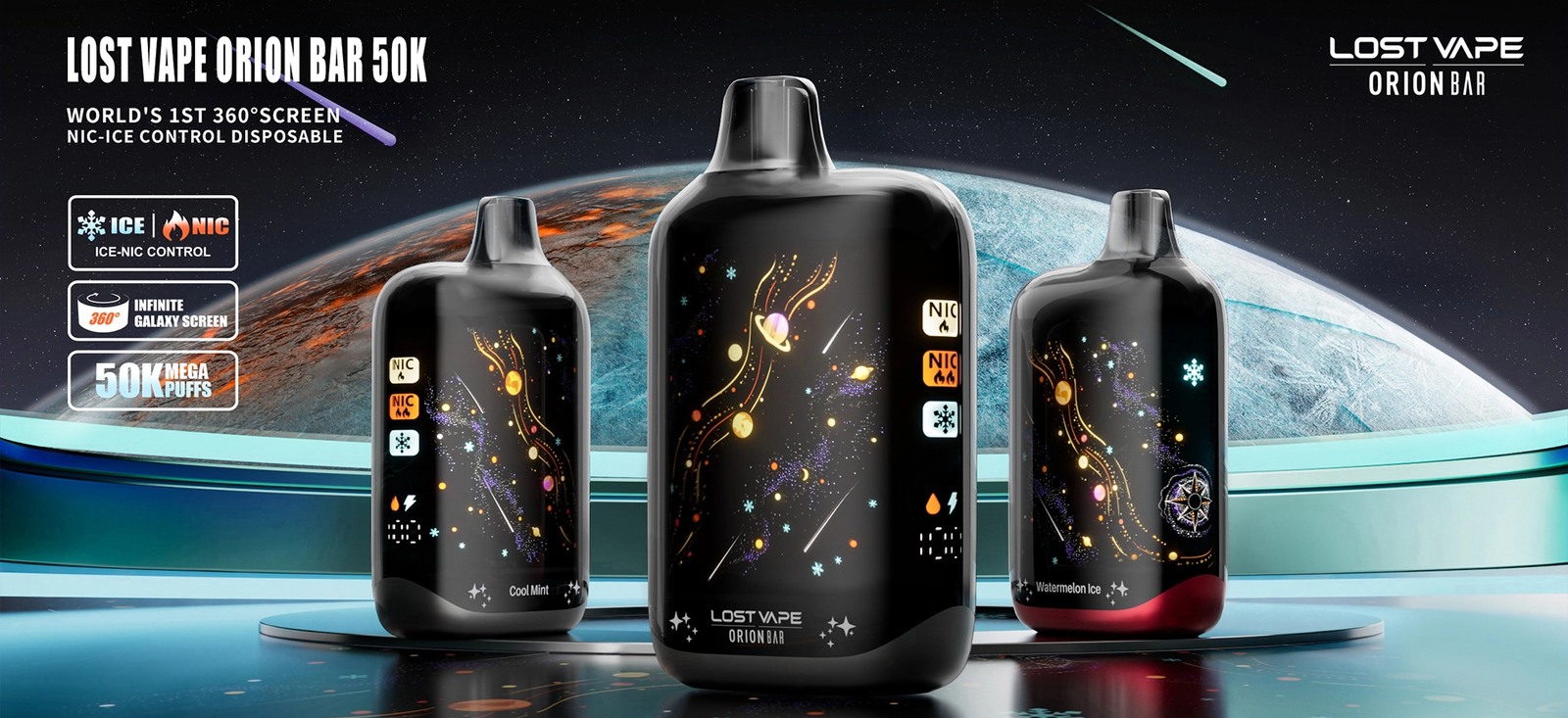
Disposable vapes with smart displays have made vaping more interactive, and the Orion Bar 50K is a strong example of that evolution. With a modern screen that shows battery life, e-liquid status, and usage indicators, it offers convenience and control. However, like any electronic device, there may be moments when the screen freezes or becomes unresponsive. If you are facing this issue, don’t panic. A frozen screen does not always mean the device is permanently damaged. This guide explains why the issue happens and what steps you can take to fix it safely and effectively.
The Orion Bar 50K uses a built-in chipset that manages both vapor production and screen output. The display is designed to update in real time as you puff, showing vital usage information. When the screen freezes, it usually means the software or internal sensor is temporarily stuck rather than completely broken. Devices like the Lost Vape Orion Bar 50K are engineered for high puff counts, so occasional glitches can happen due to extended use or environmental factors.
One of the most common causes of a frozen screen is rapid or continuous puffing. Chain vaping can overwhelm the chipset and cause the display to lag or lock temporarily. Another reason could be a low battery state, where power is prioritized for heating rather than screen refresh. Exposure to extreme temperatures, whether too hot or too cold, can also affect screen responsiveness. Even condensation buildup inside the orion vape device can interfere with internal connections.

When you notice the screen freeze, the first thing to do is stop vaping for a few minutes. Continuing to puff may strain the internal components further. Set the Orion Bar 50K aside and allow it to cool down if it feels warm. Many minor screen issues resolve themselves once the device has time to reset internally.
Although the Orion Bar 50K is a disposable-style device, its battery performance still plays a major role in screen function. If the battery is extremely low, the screen may freeze or fail to update. Try taking note of whether the device still produces vapor. If vapor output is weak or inconsistent, the frozen screen may be a sign that the battery is nearing the end of its life cycle.
Sometimes the screen freezes due to minor sensor misalignment. Gently tapping the side of the Lost Vape Orion Bar 50K or rotating it from vertical to horizontal can help re-engage the internal motion or airflow sensors. Avoid shaking the device aggressively, as this may cause internal damage. A light tap is often enough to wake a stuck display.
If the screen remains frozen, allow the Orion Bar 50K to rest for several hours or overnight. This extended rest period can help discharge residual electrical buildup and allow the chipset to reset naturally. Many users report that after resting, the screen resumes normal function the next day without any further action.
Users familiar with the orion bar 10000 may notice similar behavior, as both devices share design principles focused on compact smart displays. The difference is that the Orion Bar 50K is built for longer use, meaning it operates under extended stress. This does not mean it is unreliable, but it does mean occasional freezes can happen simply due to long-term usage.
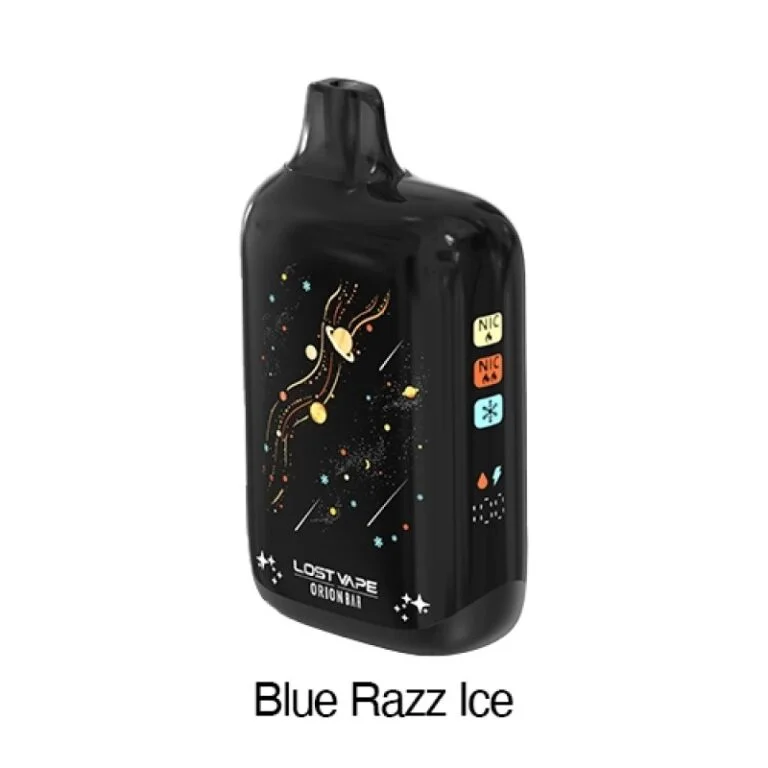
Temperature plays a critical role in screen performance. Leaving your orion vape device in a hot car or using it in cold outdoor conditions can cause the display to respond slowly or freeze. Moisture and humidity can also affect screen clarity and responsiveness. Always store your lost bar vape in a dry, room-temperature environment to reduce the risk of display issues.
In some cases, a frozen screen may indicate that the Lost Vape Orion Bar 50K is approaching the end of its usable lifespan. High puff-count devices are designed to last longer, but once the e-liquid or battery is depleted, screen behavior may become inconsistent. If the device no longer produces vapor and the screen stays frozen, replacement may be the only option.
To prevent future issues, avoid chain vaping and give the device short breaks between sessions. Keep airflow vents clean and free from pocket lint or dust. Store the Lost Vape Orion Bar 50K away from direct sunlight and extreme temperatures. These simple habits can significantly extend the smooth operation of the screen.
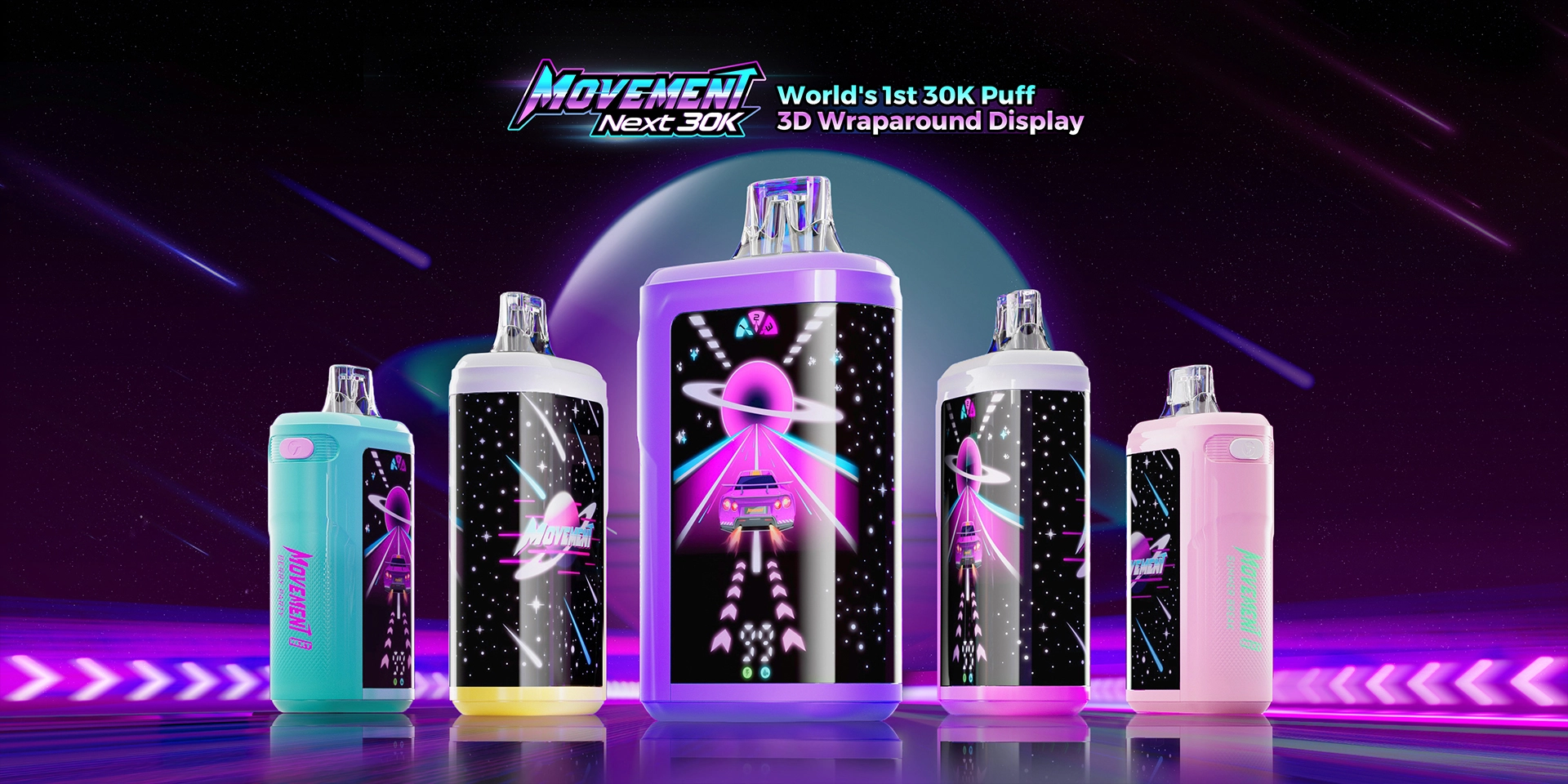
Devices such as the Movement LV 18000 are also designed for extended use, and users often experience similar electronic limitations over time. This comparison highlights that screen freezes are not uncommon in high-capacity disposables and are usually manageable with basic care and proper usage habits.
A frozen screen on the Orion Bar 50K can be frustrating, especially when you rely on the display for real-time information. However, most screen freezes are temporary and caused by usage patterns, battery conditions, or environmental factors. By stopping use, allowing the device to rest, and maintaining proper care, you can often restore normal screen function. Understanding how your orion vape works helps you get the most out of it and ensures a smoother, more reliable vaping experience throughout its lifespan.
Vape flavors continue to shape how people choose their devices. In 2026, flavor variety matters more than ever. Users want clean taste, steady output, and
Disposable vapes with smart displays have made vaping more interactive, and the Orion Bar 50K is a strong example of that evolution. With a modern

Vaping With Orion Bar 50K Disposable vapes with screens are common in 2025. Screens show battery life, puff count, and settings, which helps users track
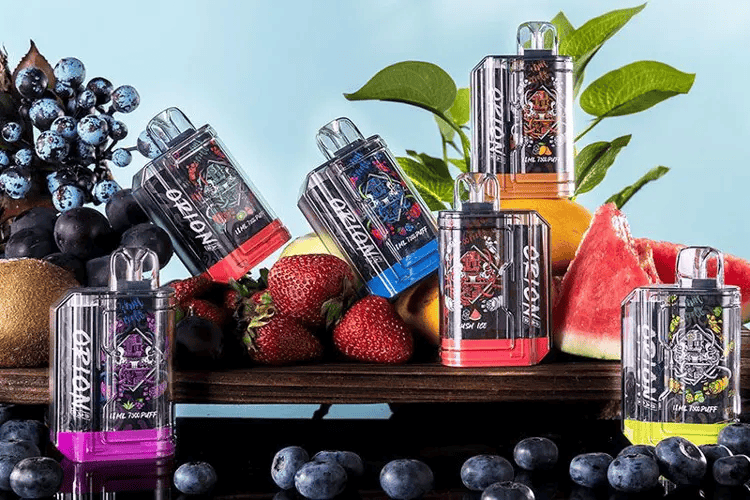
Best Orion Bar Series The vaping world has seen a steady rise in the popularity of disposable vapes over the past few years. Many users
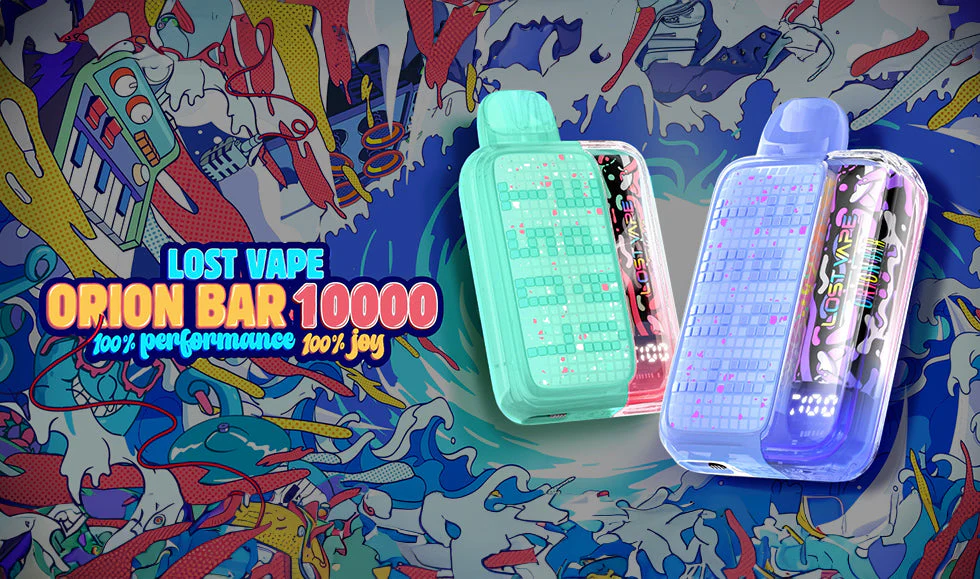
Orion Bar 10000 and 7500 disposable vapes have quickly become favorites for vaping enthusiasts who want convenience, flavor variety, and consistent performance. Choosing the Orion