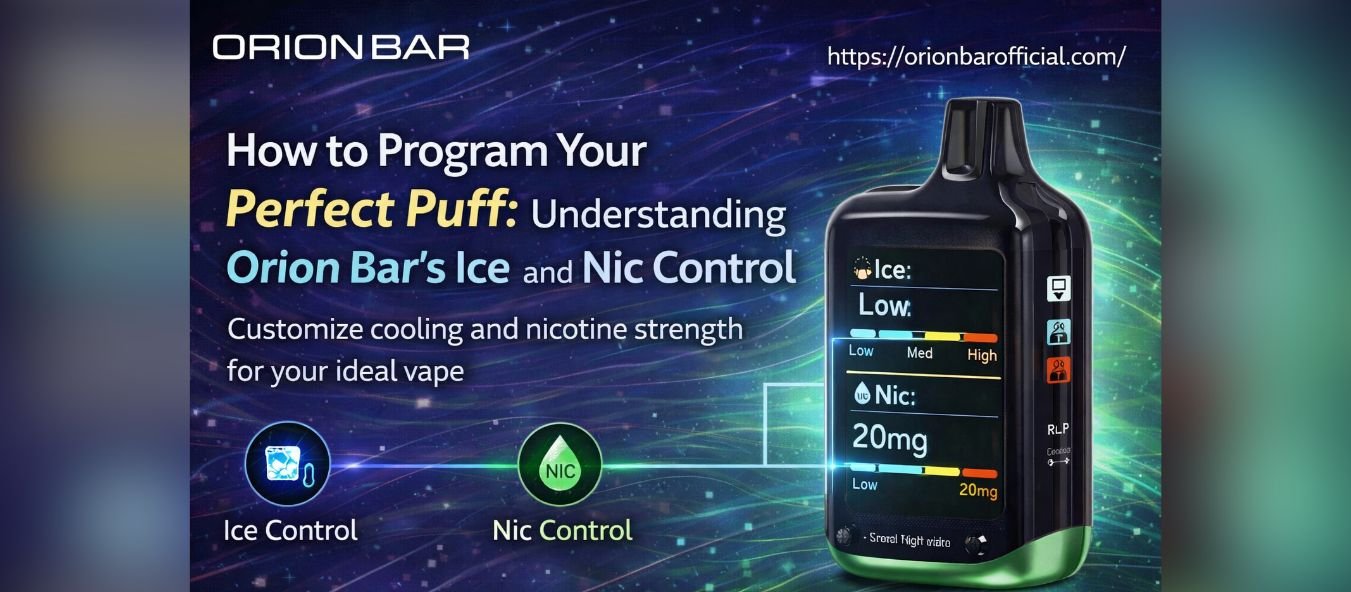
How to Program Your Perfect Puff: Understanding Orion Bar’s Ice and Nic Control
Vaping is more than a habit; it is a customizable experience that allows users to create the perfect puff tailored to their taste. The Orion



Disposable vapes with screens are common in 2025. Screens show battery life, puff count, and settings, which helps users track usage. Still, like any small electronic display, screens can freeze. When that happens, it can be confusing, especially if the device still produces vapor.
If you are using a Lost Vape Orion Bar 50K, a frozen screen does not always mean the device is broken. In many cases, the issue is temporary and linked to power flow, sensor delay, or minor software behavior. Understanding the cause helps you respond calmly instead of replacing the device too quickly.
Screens freeze for simple reasons. Disposable devices pack batteries, chips, and displays into a compact space. Heat, moisture, or sudden power shifts can interrupt how the screen refreshes.
Common causes include:
In most cases, the screen freeze is not permanent.
Before taking action, pause for a few minutes. Stop vaping and place the device on a flat surface. Screens sometimes reset on their own when the internal system stabilizes.
What to look for:
If vapor still works, the issue is likely visual only.
Low battery levels can affect screen refresh speed. If your device supports charging, connect it to a proper charger and let it charge for 10 to 15 minutes.
Helpful tips:
A frozen display often returns to normal once voltage stabilizes.
Extreme temperatures affect electronics. Cold slows screen response, while heat can cause temporary glitches. If the device was left in a car or exposed to cold air, this may explain the freeze.
Best practice:
Temperature balance can restore normal display function.
If the screen is frozen but vapor production continues, your orion bar is still functioning. The screen does not control vapor output; it only displays information. Many users continue using the device safely until the screen refreshes.
What this means:
This situation is common and usually temporary.
Disposable vapes do not have manual reset buttons, but soft resets happen naturally. To help this process:
Do not attempt to open the device. That can cause damage or safety risks. try Orion Bar 50K
In rare cases, the screen may not recover. Signs include:
If this happens, the issue may be internal and not fixable.
Prevention is easier than repair. Simple habits reduce screen issues:
These steps help electronics last longer.
If vapor output feels normal and there is no overheating, continued use is generally safe. Screen freezes do not affect coil function or airflow. Still, monitor the device closely. always use Orion Bar 50K
Stop using if:
Safety always comes first.
Screen freezes can be frustrating, but they are not always serious. Most cases resolve with time, charging, or temperature adjustment. Understanding how the device works helps avoid unnecessary worry or waste.
For users enjoying flavors like Lost Vape Orion Bar 50K Mango Pop, a frozen screen does not mean the experience has to end right away. With proper handling and patience, many devices return to normal and continue performing as expected.
Vaping is more than a habit; it is a customizable experience that allows users to create the perfect puff tailored to their taste. The Orion
Vape flavors continue to shape how people choose their devices. In 2026, flavor variety matters more than ever. Users want clean taste, steady output, and

Disposable vapes with smart displays have made vaping more interactive, and the Orion Bar 50K is a strong example of that evolution. With a modern
Vaping With Orion Bar 50K Disposable vapes with screens are common in 2025. Screens show battery life, puff count, and settings, which helps users track
Best Orion Bar Series The vaping world has seen a steady rise in the popularity of disposable vapes over the past few years. Many users