Frequently Asked Questions – Lost Vape Orion Bar Official
Frequently Asked Questions – Lost Vape Orion Bar Official
Is orionbarofficial.com legit? Do You Sell Authentic Lost Vape Orion Bar?
Yes, we are completely real and official. We sell 100% authentic Lost Vape Orion Bar products straight from the manufacturer. Every device comes with official packaging and a secret code you can check to prove it’s real.
How Do I Check If My Orion Bar Is Fake or Real?
It’s easy to verify. Look for the security code on the back of your Lost Vape Orion Bar box. Scratch off the coating and enter the code here.
What Exactly Is a Lost Vape Orion Bar? How Does It Work?
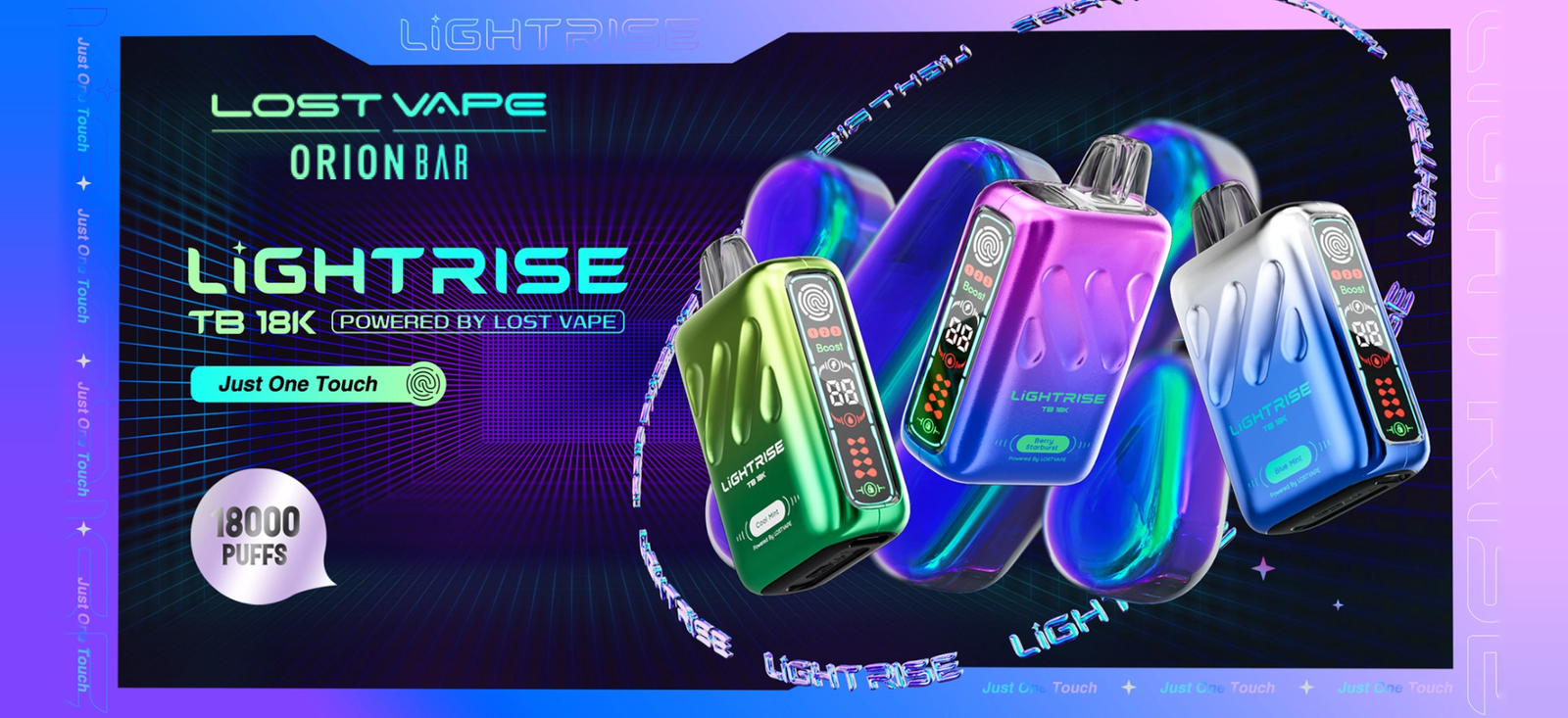
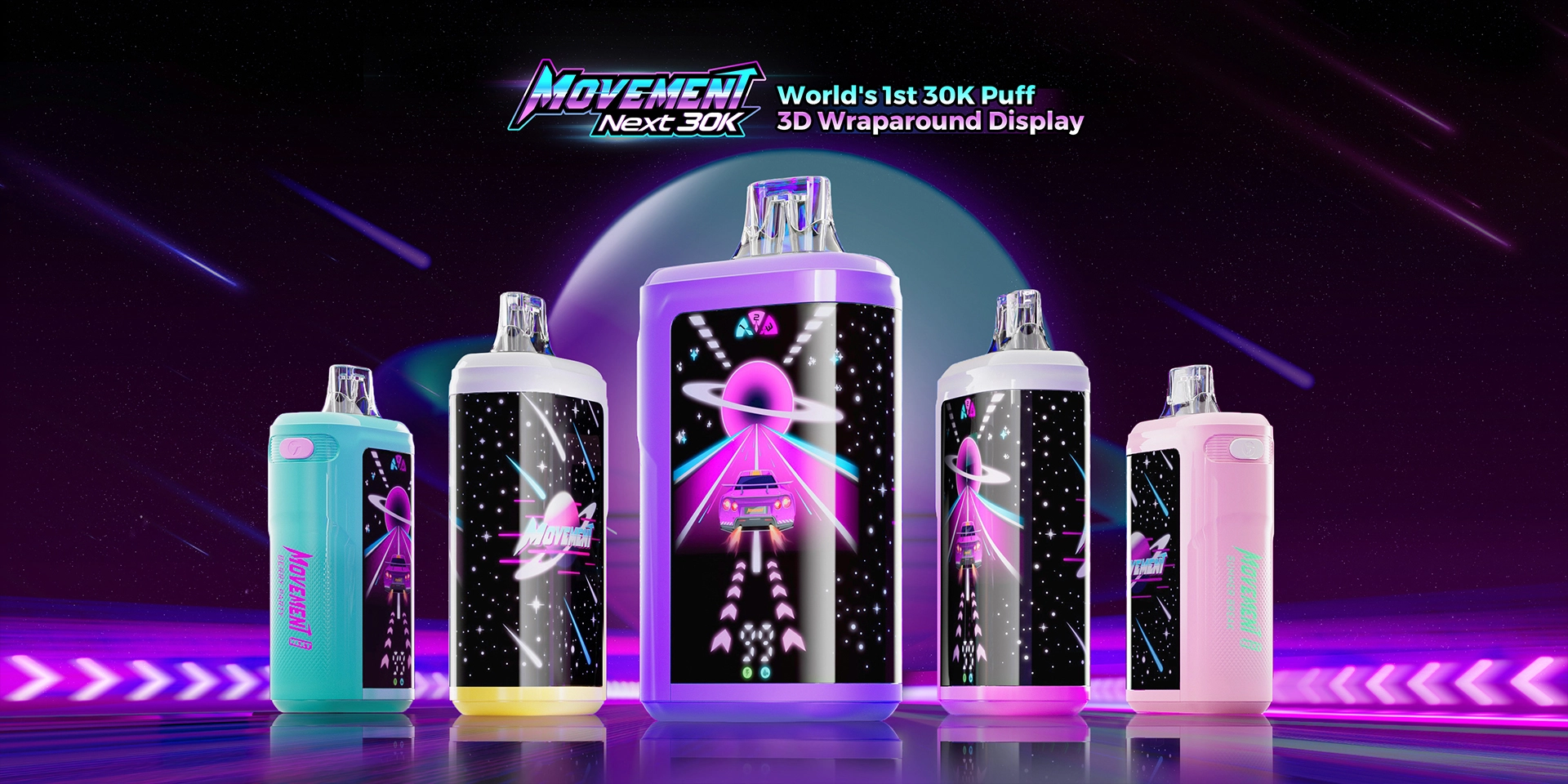
An Orion Bar is a vape device ready to use straight out of the box. It has a rechargeable battery, comes pre-filled with flavored liquid, and activates automatically when you inhale—no buttons to push. Just adjust the airflow dial if you want, then puff and enjoy.
How Do I Know When My Orion Bar Is Empty?
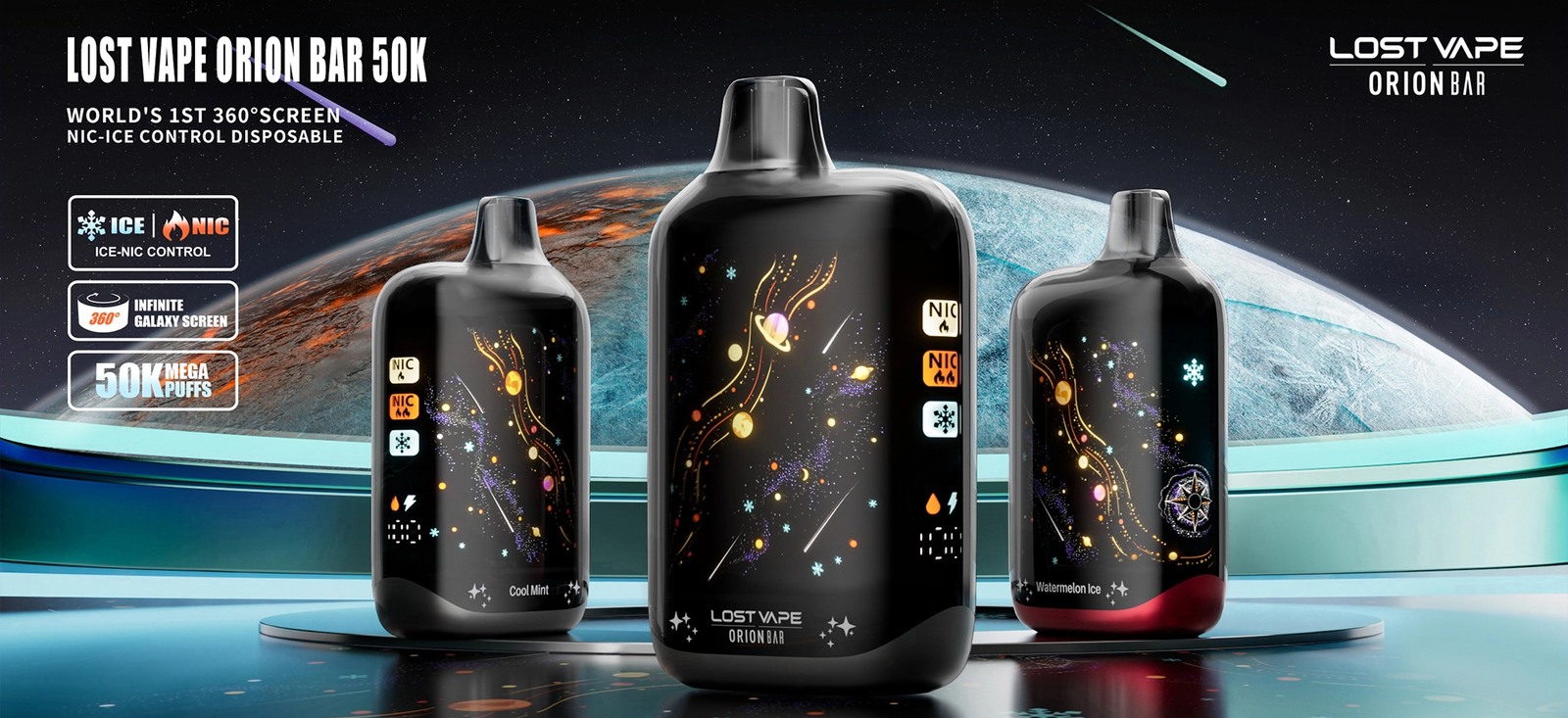
You’ll notice several signs: less vapor coming out, a burnt taste, or weaker flavor than before. Many Orion Bars have a digital screen so you can see the liquid & battery level. When you stop getting good puffs, it’s time to replace it.
What Are the Best Lost Vape Orion Bar Flavors?
We offer over 60 amazing flavors! Popular ones include Rainbow Drop, Banana Cake, Watermelon Ice, Blueberry Raspberry, Miami Mint, Mango Ice, Dragon Fruit Berry, and Strawberry Watermelon. You’ll find fruity flavors, icy menthol options, candy flavors, and more.
Are Lost Vape Orion Bars Good? Are They Safe?
Yes, they’re excellent and safe. Orion Bars are made by Lost Vape, a trusted brand with strict quality control. They have built-in safety features, no harmful combustion like cigarettes, and come with quality coils and batteries. They deliver consistent flavor and smooth vapor.
How Do I Use My Lost Vape Orion Bar for the First Time?
Take it out of the box and remove the plastic sticker from the mouthpiece. Adjust the airflow slider on the side if you like (3 positions). Just put it in your mouth and inhale gently—it turns on automatically. No buttons to press, no setup needed!
How Do I Charge My Orion Bar? How Long Does It Take?
Connect it to a USB-C charger (cable included in some models). Full charge takes 1-2 hours. Watch for the light indicator to show when it’s done. The battery is 650mAh*, so it lasts a long time. Don’t leave it charging overnight.
Why Isn't My Orion Bar Working? How Do I Fix It?
First, make sure it’s fully charged. Check that you removed the plastic sticker from the mouthpiece. If it still won’t work, try cleaning the connection points with a dry cotton swab. Adjust the airflow slider to the middle position. If still no luck, contact us for help.
Have Questions About Your Orion Bar? Need Help? Contact Us Here!
Email support@orionbarofficial.com or visit Here.