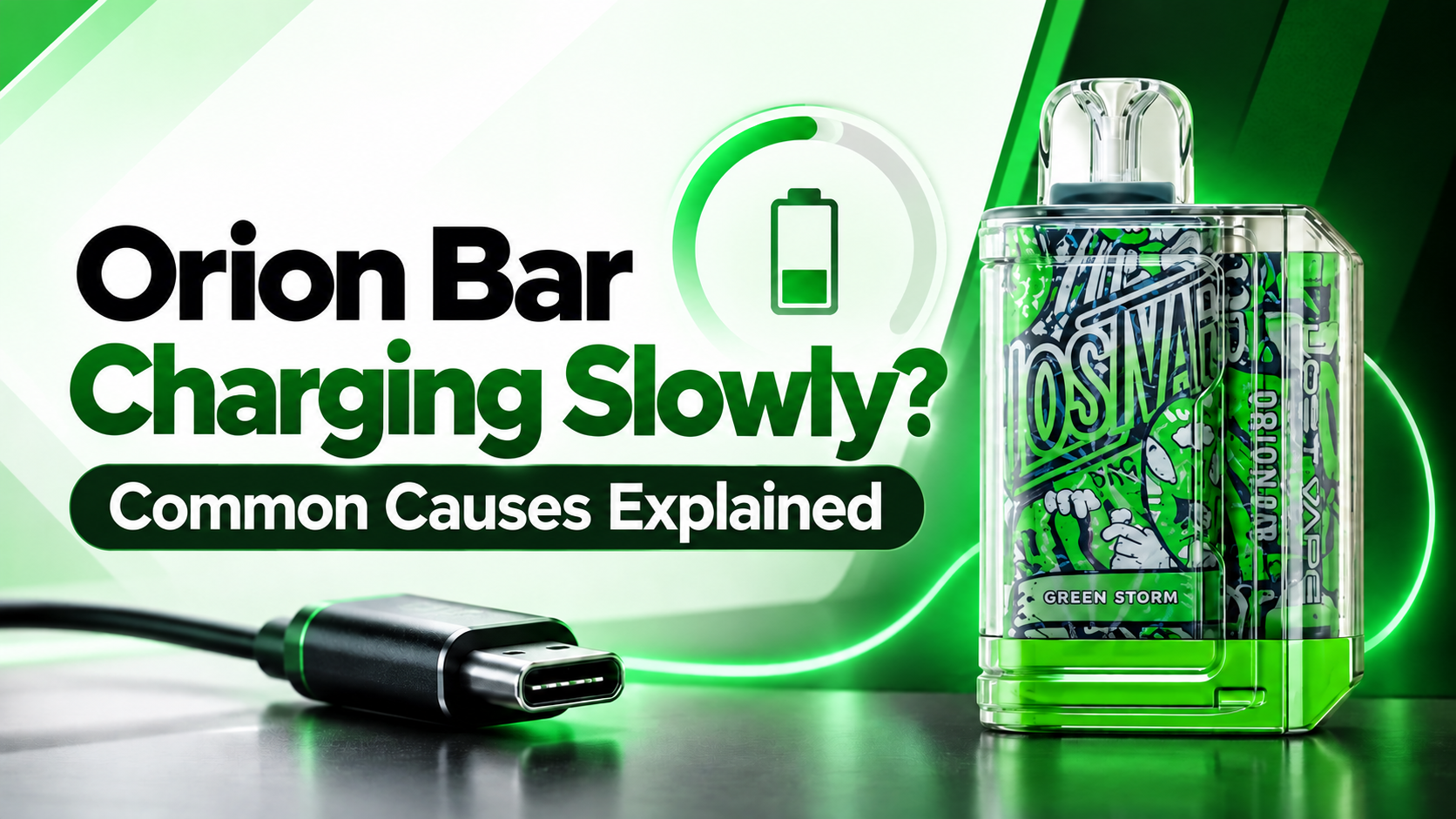
A slow-charging Orion Bar can be frustrating, especially when you expect the battery to recharge within a reasonable amount of time. In many cases, slow charging does not necessarily mean the battery has failed. The charging cable, power source, USB-C port, device temperature, battery level, or battery condition can all affect how quickly an Orion Bar recharges.
Orion Bar models use USB-C rechargeable batteries, but charging specifications can vary by model. For example, the Orion Bar 50K is listed with a 920mAh rechargeable battery, while other Orion Bar models have different battery capacities.
If your Orion Bar seems to be taking much longer than usual to charge, checking a few basic things can help identify the cause.
Why Is My Orion Bar Charging Slowly?
There are several possible reasons your Orion Bar may be charging slower than expected. Here are the most common causes to check.
1. The USB-C Cable May Be the Problem
A damaged, loose, or poor-quality USB-C cable can interfere with charging performance. Even when the charging indicator appears, the connection may not be delivering power consistently.
What to do:
- Try another compatible USB-C cable.
- Make sure the connector fits securely.
- Check the cable for visible damage or bending.
- Avoid continuing to use a cable that becomes unusually hot.
2. Your Power Source May Be Providing Limited Power
The power source also affects charging speed. Charging from a computer or low-output USB connection may take longer than using a suitable wall adapter.
The Orion Bar charging guidance recommends connecting the device through USB-C to a compatible power source.
3. Dust or Debris Inside the Charging Port
A dirty USB-C port can prevent the cable from making proper contact. Dust, lint, or other debris can result in inconsistent or slow charging.
Inspect the port carefully and keep it clean and dry. Do not insert sharp metal objects into the charging port.
4. The Orion Bar May Be Getting Too Warm
Temperature can affect rechargeable battery performance. Charging may slow down when a device becomes too warm, as battery-management systems can reduce charging power to protect the battery.
If the device feels unusually warm, disconnect it and allow it to return to a normal temperature before charging again.
5. The Battery Is Already Near Full
Charging speed is not necessarily constant throughout the entire charging cycle. A rechargeable battery may charge more quickly at lower levels and slow down as it approaches full.
So, if your Orion Bar charges quickly from a low percentage but becomes noticeably slower near the top of the battery indicator, that does not automatically mean there is a fault.
6. Using the Device While Charging
Using a rechargeable device while it is connected to power can reduce the net battery increase because the device is consuming power at the same time.
For troubleshooting, leave the Orion Bar unused while charging and see whether the charging time improves.
7. The Battery May Have Degraded
Rechargeable batteries naturally lose capacity with repeated use. If your Orion Bar has been used extensively and you are noticing both slow charging and faster battery drain, battery aging may be a possible factor.
If the device is still under warranty or has an unusual charging problem, contacting the retailer or manufacturer is preferable to attempting to open the device.
How to Fix an Orion Bar That Charges Slowly
Try these steps in order:
- Try a different compatible USB-C cable.
- Use a suitable wall power adapter instead of a computer USB port.
- Check the USB-C port for visible dust or debris.
- Make sure the device is cool before charging.
- Leave the Orion Bar unused while it charges.
- Check whether charging improves at a lower battery level.
- If the problem continues, contact the seller or manufacturer.
When Should You Stop Using the Device?
If the Orion Bar becomes abnormally hot, swollen, physically damaged, or produces an unusual smell, stop charging and stop using it. Do not attempt to open or repair the battery yourself.
Final Thoughts
Slow charging can have several causes, and a faulty battery is only one possibility. Start with the simplest checks—USB-C cable, power source, charging port, and temperature—before assuming the device has a hardware problem. If your Orion Bar continues to charge unusually slowly after these checks, professional support from the manufacturer or retailer is the safer next step.
FAQs
1. Why is my device charging slowly?
Slow charging can be caused by the USB-C cable, power source, charging port, temperature, or battery condition. Orion Bar models use rechargeable batteries, and charging times can vary by model.
2. How long does it take to charge?
Charging time depends on the specific Orion Bar model and charging setup. Orion Bar’s published guidance lists typical charging times of around 1–2 hours for its rechargeable models.
3. Can a bad USB-C cable make my device charge slowly?
Yes. A damaged or poor-quality cable can result in slower or inconsistent charging. Trying another compatible USB-C cable can help determine whether the cable is causing the issue.
4. Why does my Orion Bar charge slowly near full battery?
Rechargeable batteries may reduce charging speed as they approach full capacity. Therefore, slower charging toward the end of the cycle does not necessarily indicate a problem.
5. Can heat affect Orion Bar charging speed?
Yes. Excessive device temperature can cause charging to slow down or temporarily stop as a protective measure. Allow the device to cool before charging again.
6. Should I use my Orion Bar while it is charging?
For troubleshooting, it is better to leave the device unused while charging. Using a rechargeable device while connected to power can reduce the net amount of power going into the battery.